

-
 Now Playing
1861: "The Cause"
Full Length | 100m 58s |
Find out what caused the war, examining slavery and questions of union and states’ rights.
-
 Now Playing
Official Trailer
Preview | 30s | Preview The Civil War, which was restored and remastered in high-definition in 2015.
-
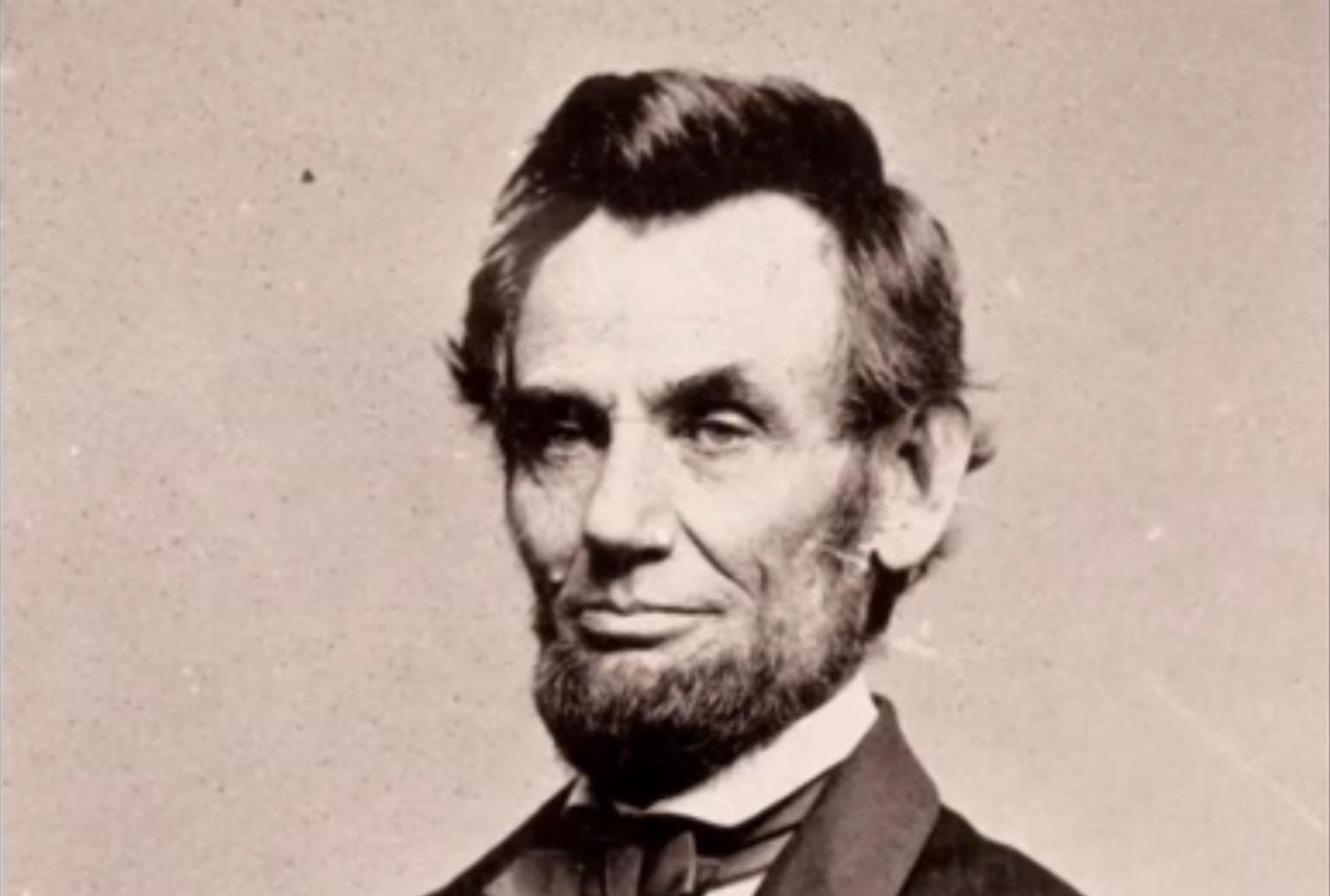 Now Playing
1862: "A Very Bloody Affair"/"Forever Free"
Parts 2 & 3 | Full Episodes | 141m 25s |
Lincoln’s war to preserve the Union transforms to a war to emancipate the slaves.
-
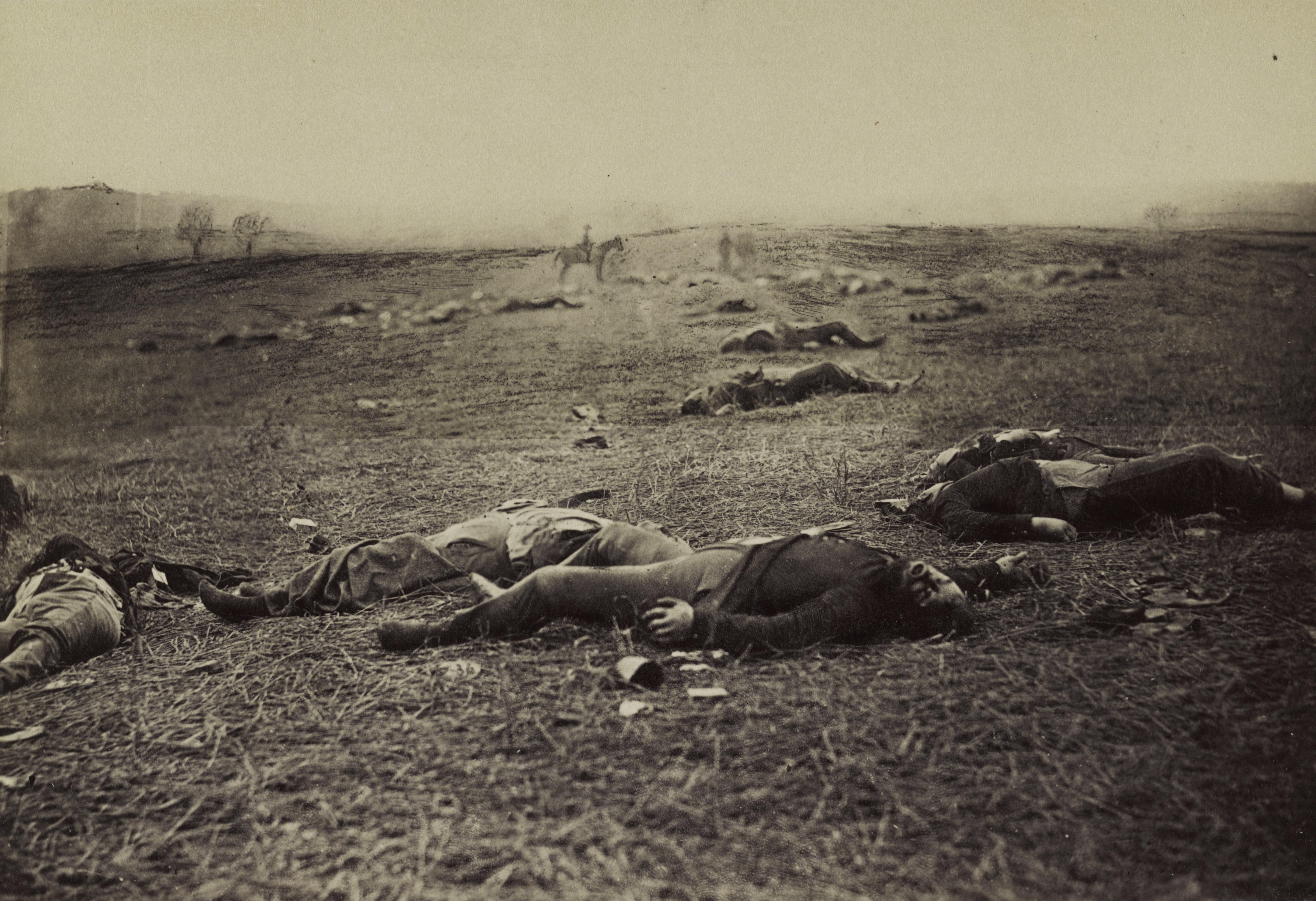 Now Playing
1863: "Simply Murder"/"The Universe of Battle"
Parts 4 & 5 | Full Episodes | 154m 49s |
Follow the Battle of Gettysburg, draft riots, and the first African-American troops.
-
 Now Playing
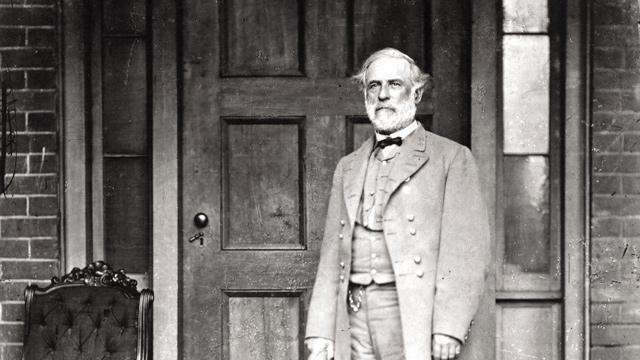
1864: "Valley of the Shadow of Death"/"Most Hallowed Ground"
Parts 6 & 7 | Full Episodes | 138m 35s |
While causalities mount, Lincoln’s re-election chances dim.
-
 Now Playing
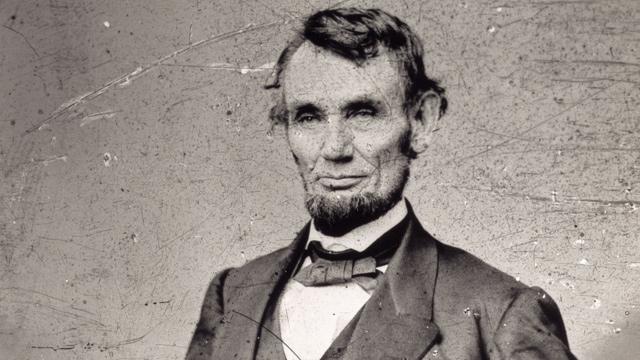
1865: "War Is All Hell"/"The Better Angels of Our Nature"
Parts 8 & 9 | Full Episodes | 134m 38s |
Richmond falls to Grant's army, Lee surrenders, Lincoln is assassinated, and the war ends.
About the Film
The Civil War, an epic nine-episode series by the award-winning documentary filmmaker Ken Burns and produced in conjunction with WETA, Washington, D.C., first aired in September of 1990 to an audience of 40 million viewers. The film is a comprehensive and definitive history of the American Civil War, and the recipient of 40 major film and television awards, including two Emmys and two Grammys.
Heralded as an unforgettable introduction to a four-year conflict fought in 10,000 places, The Civil War was five years in the making. The film vividly embraces the entire sweep of the war: the complex causes and lasting effects of America's greatest and most moving calamity, the battles and the homefront, the generals and the private soldiers, the anguish of death in battle and the grief of families at home.
Premiered on PBS: September 23, 1990.
Aired Completely Restored on PBS: September 2015.
How to Watch
A monumental series that explores the most important conflict in our nation's history.
The Civil War is available to stream on pbs.org and the free PBS App, available on iPhone, Apple TV, Android TV, Android smartphones, Amazon Fire TV, Amazon Fire Tablet, Roku, Samsung Smart TV, and Vizio.
Stream The Civil War on pbs.org Download the PBS AppExplore the Era
-
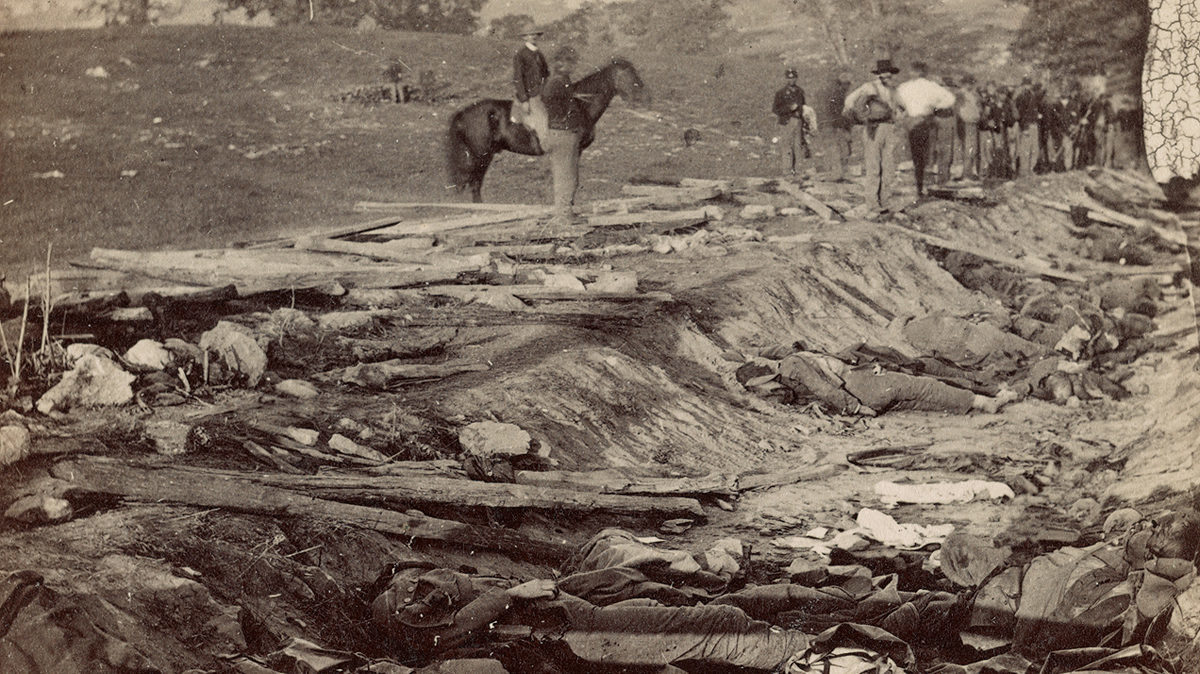
Facts, Casualties, and More
From Antietam's bloodiest day to the last man killed, explore facts on casualties, leadership, the economy, and troop movements.
-
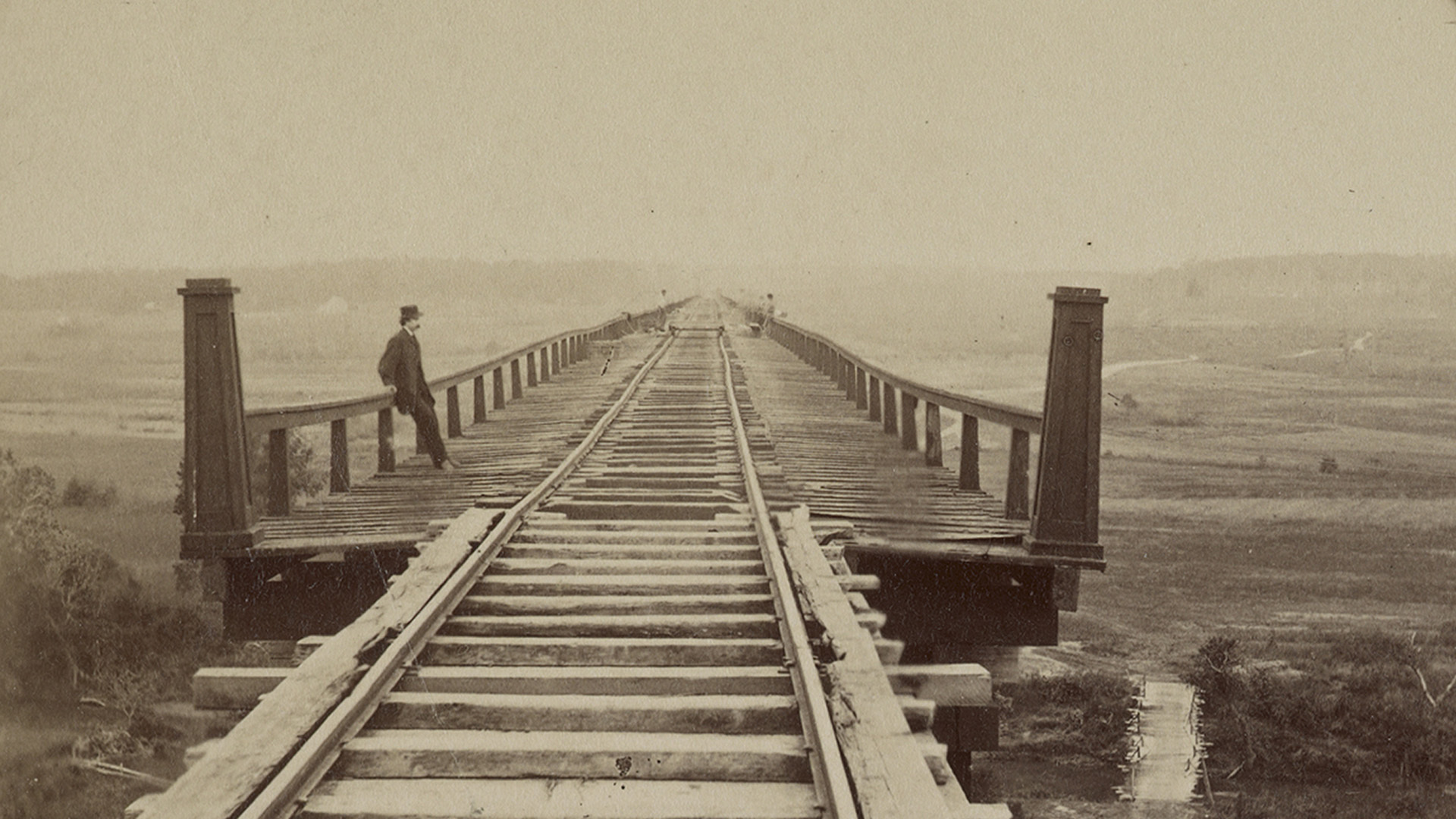
Timeline of Major Events & Battles
Explore a detailed Civil War timeline covering major events, battles, and the people who shaped the conflict.
-
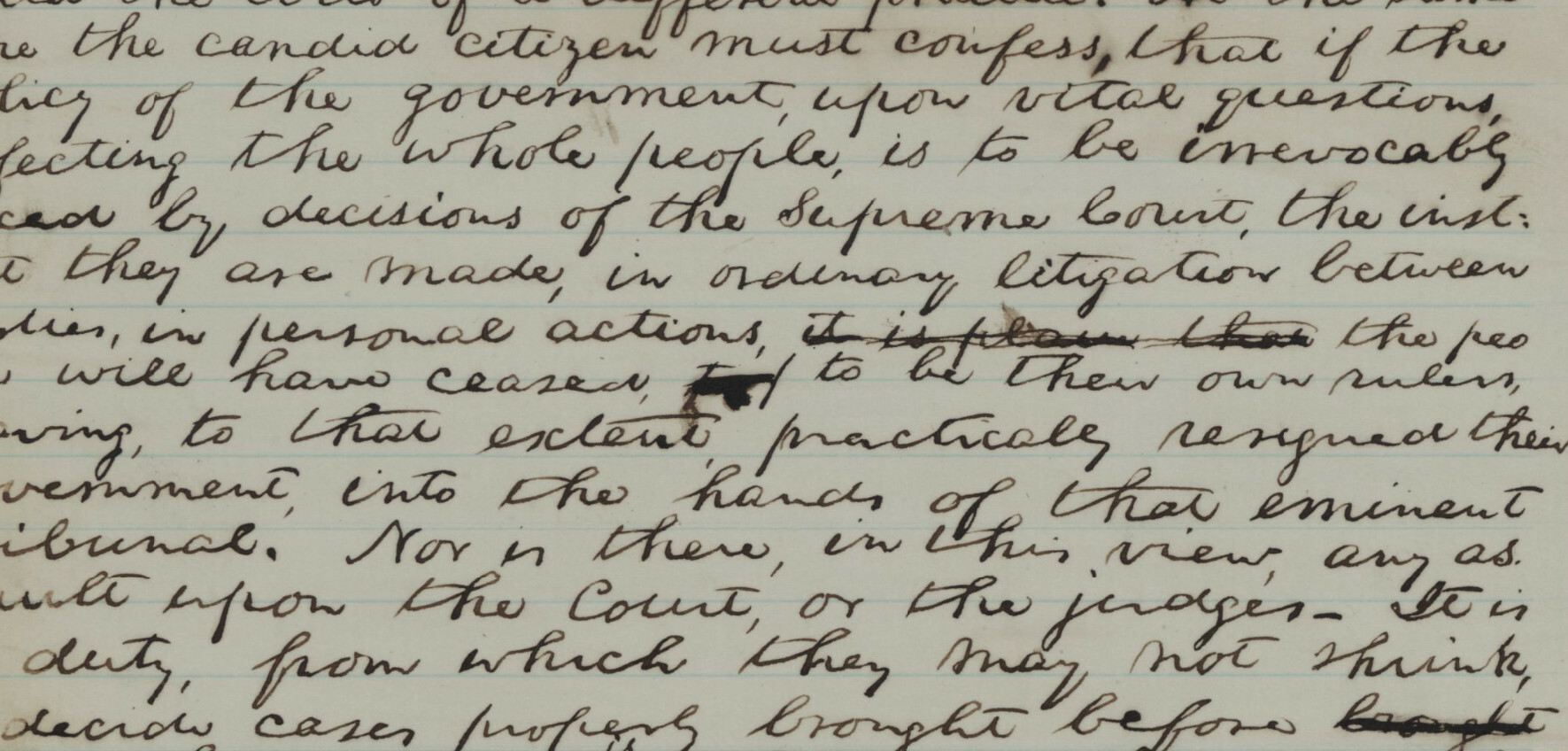
Historical Documents & Primary Sources
Explore Civil War primary sources, including the Gettysburg Address, Emancipation Proclamation, Sullivan Ballou Letter, and Lincoln’s inaugural speeches.
-
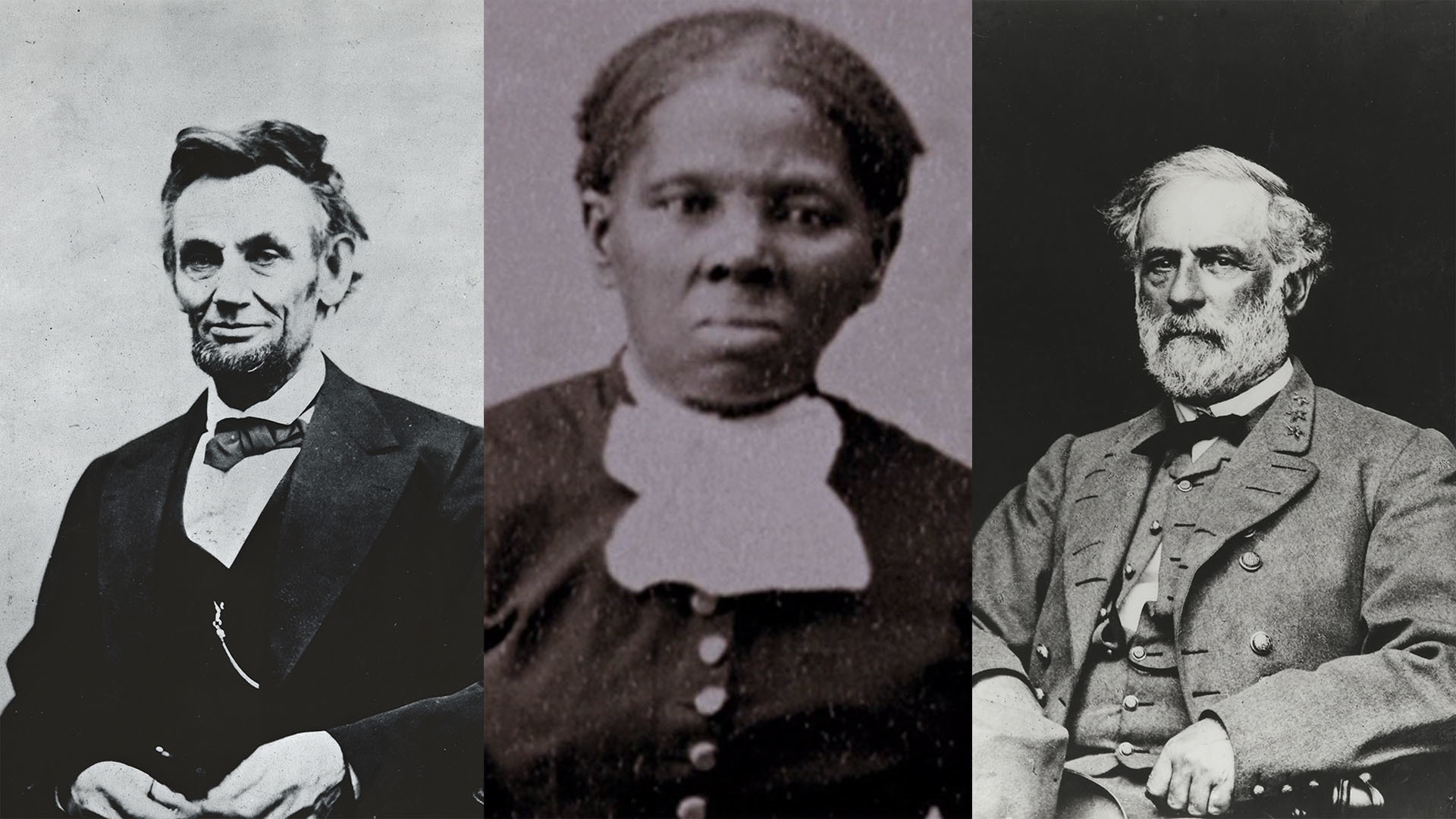
Biographies: Leaders, Soldiers & Civilians
Explore biographies of Civil War leaders, soldiers, and civilians from the Union and Confederacy.
-
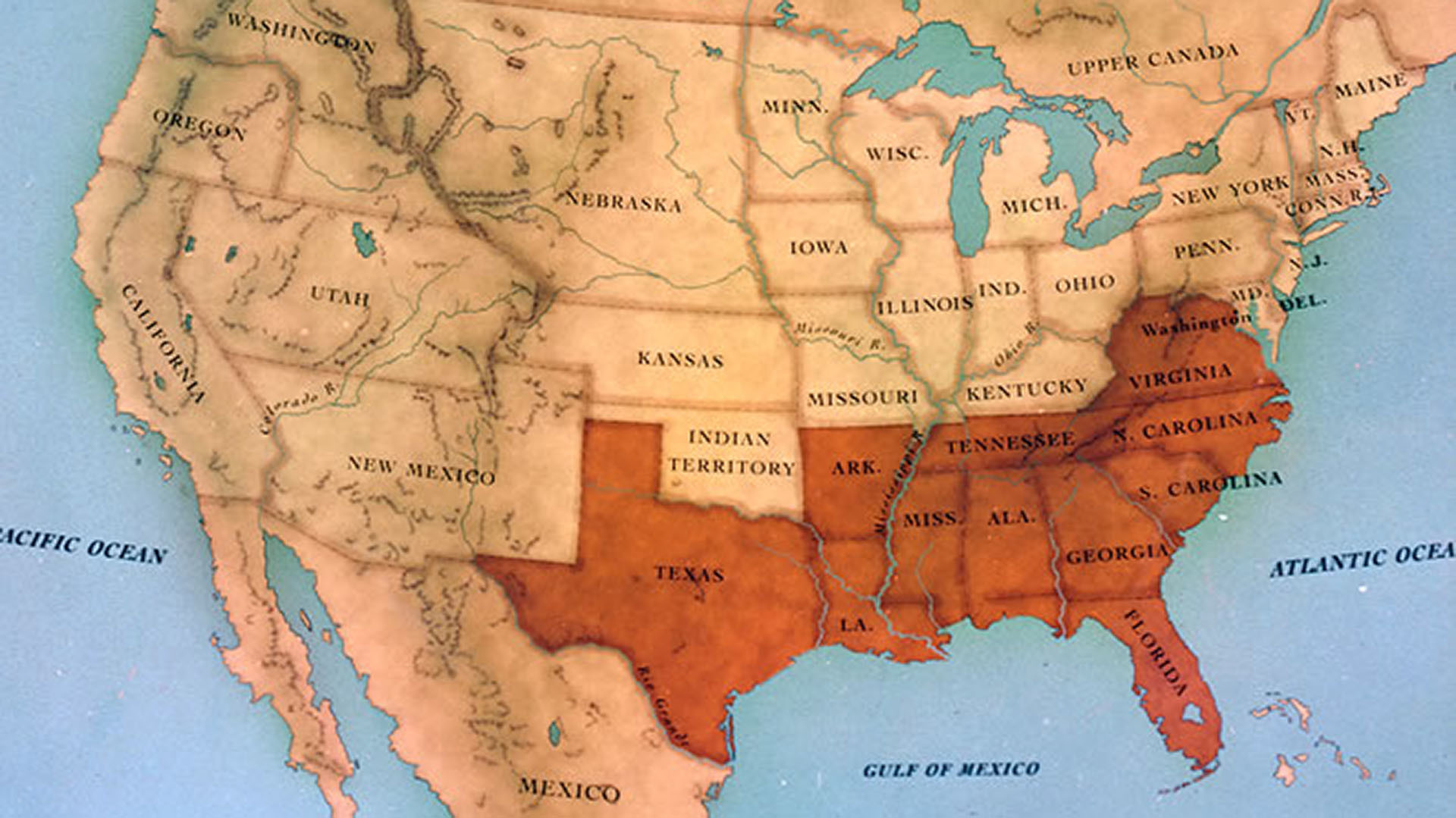
Maps of Gettysburg, Antietam & More
View maps of major battles and campaigns, including Gettysburg, Antietam, Vicksburg, Atlanta, Petersburg, and Appomattox.
-
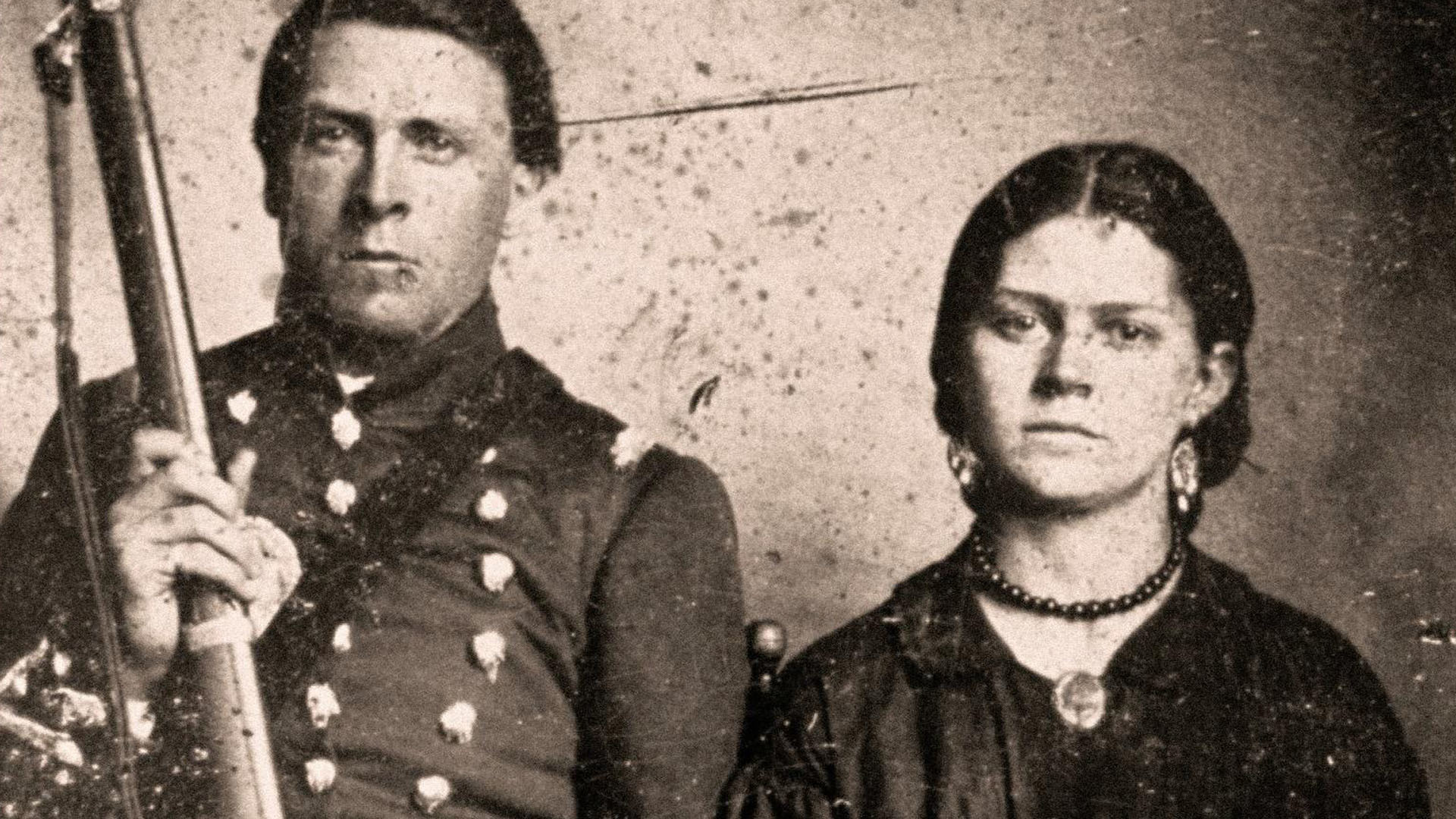
Episode Guide
Detailed descriptions of the content and key events across all 9 episodes.
-
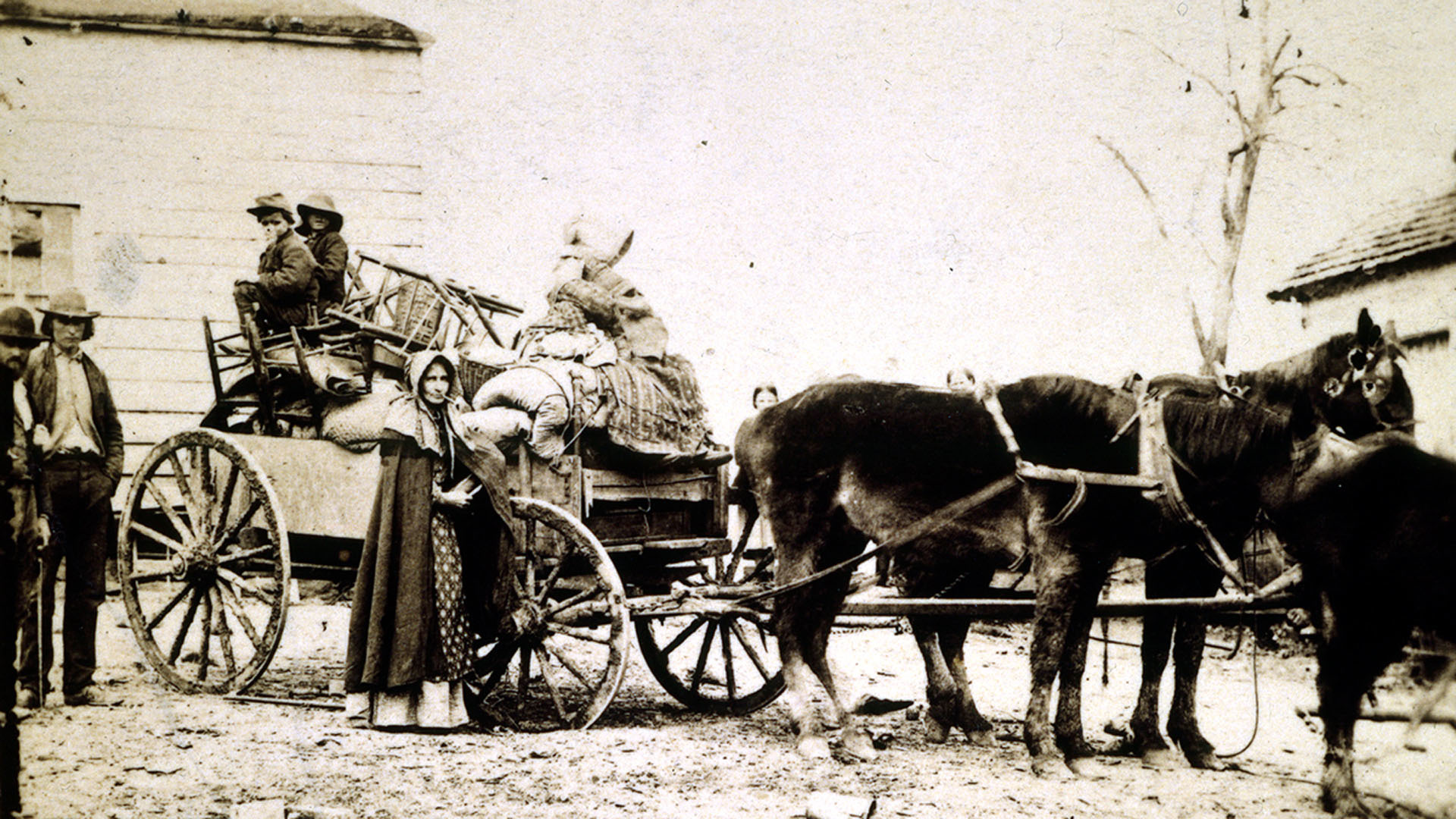
Historic Photos & Images
Browse archival photographs from the era, featuring soldiers, military camps, battlefields, civilians, and key figures.
-
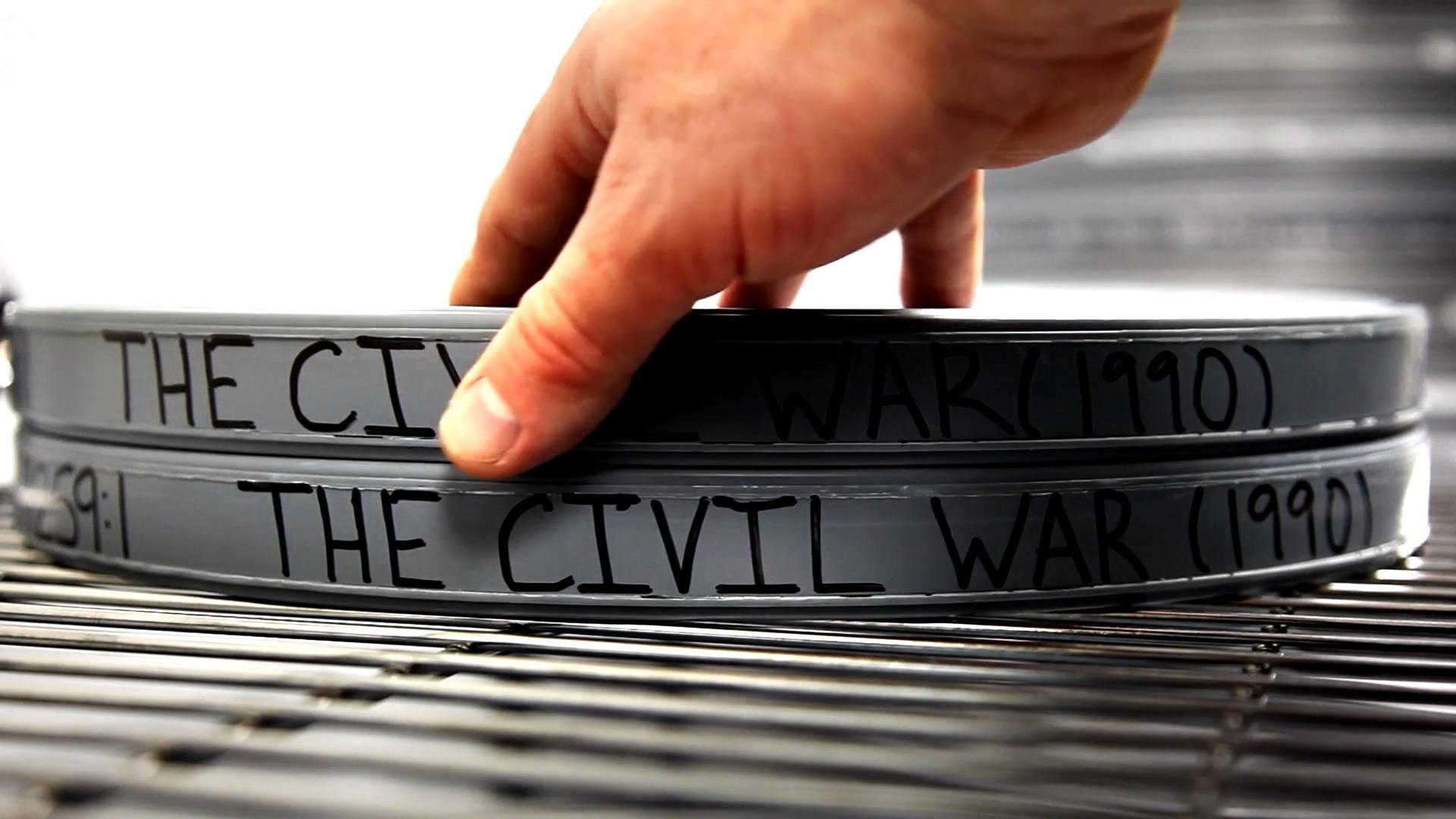
How The Civil War Was Restored in 4K
See how Ken Burns’ The Civil War was restored from original 16mm film to 4K, with sharper images, restored color, cleaner footage, and preserved audio.
-
The Music of The Civil War
Learn the story behind The Civil War soundtrack, including Jay Ungar’s “Ashokan Farewell,” traditional period music, and how the score shaped the film.