
Watch Lewis and Clark | Full Documentary


- Prev
- 1
- 2
- 3
- 4
- 5
- Next
About the Film
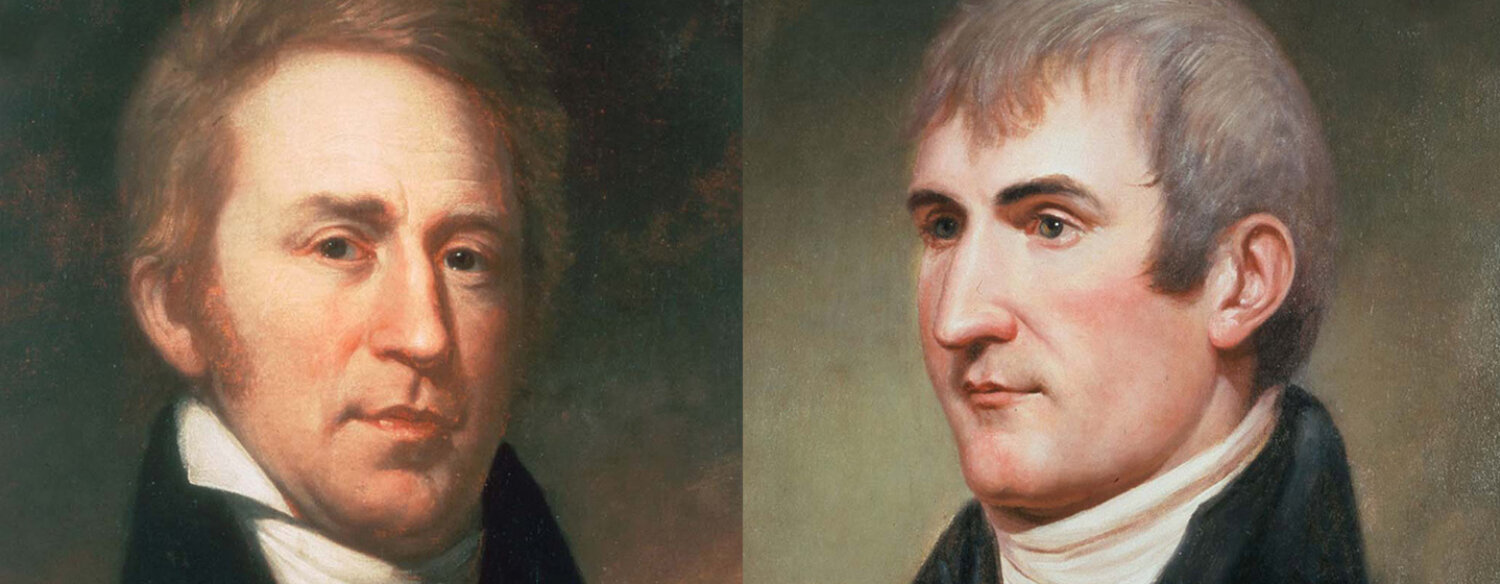
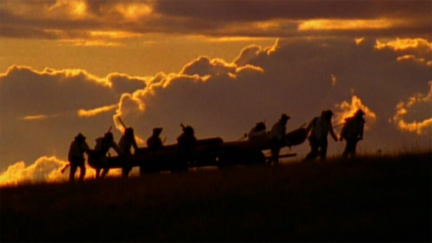
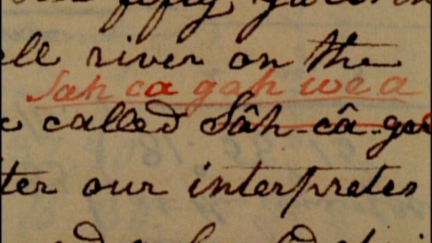
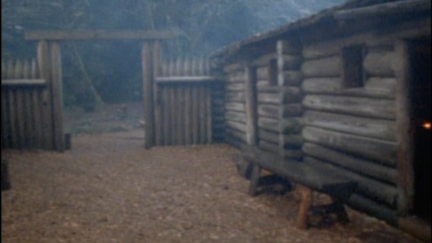
Sent by President Thomas Jefferson to find the Northwest Passage, Meriwether Lewis and William Clark led the most important expedition in American history. This extraordinary film tells the remarkable story of the entire Corps of Discovery – not just of the two Captains, but the young army men, French-Canadian boatmen, Clark’s African-American slave, and the Shoshone woman named Sacagawea, who brought along her infant son. As important to the story as these many characters, however, was the land itself, and the promises it held.
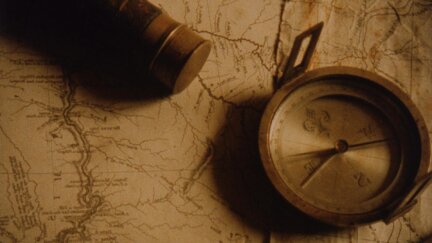
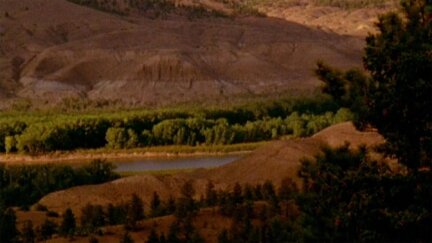
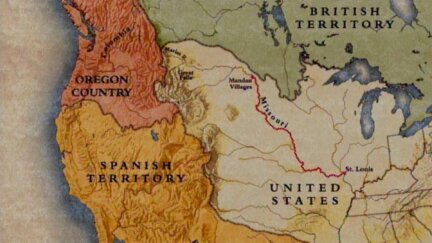
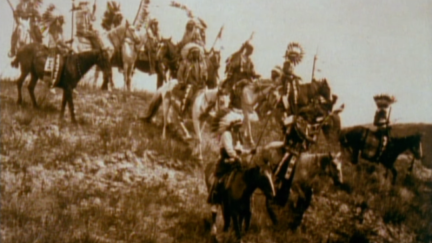
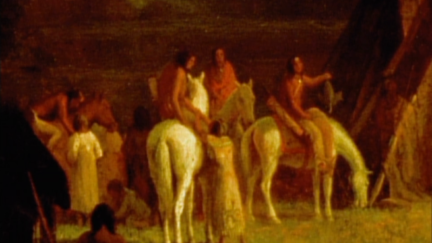
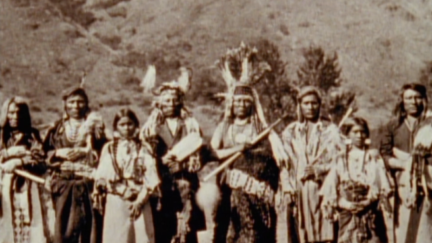
The mission of the Corps of Discovery was to explore the uncharted West. Beginning February 28, 1803 It would be led by Meriwether Lewis, and Lewis’ friend, William Clark. Over the next four years, the Corps of Discovery would travel thousands of miles, experiencing lands, rivers and peoples that no Americans ever had before. Ken Burns' LEWIS & CLARK re-creates the 1803 journey to locate the Northwest Passage. The explorers found a varied landscape and a dizzying diversity of Indian peoples.
Premiered: November 4, 1997
Related Films
![National Parks [2009]](https://d1z5o5vuzqe9y4.cloudfront.net/uploads/_250xAUTO_crop_center-center_60_none/National-Parks-Poster_180916_213100.jpg)