
The National Parks | Full Documentary Now Streaming
- Prev
- 1
- 2
- 3
- 4
- 5
- 6
- Next
About the Film
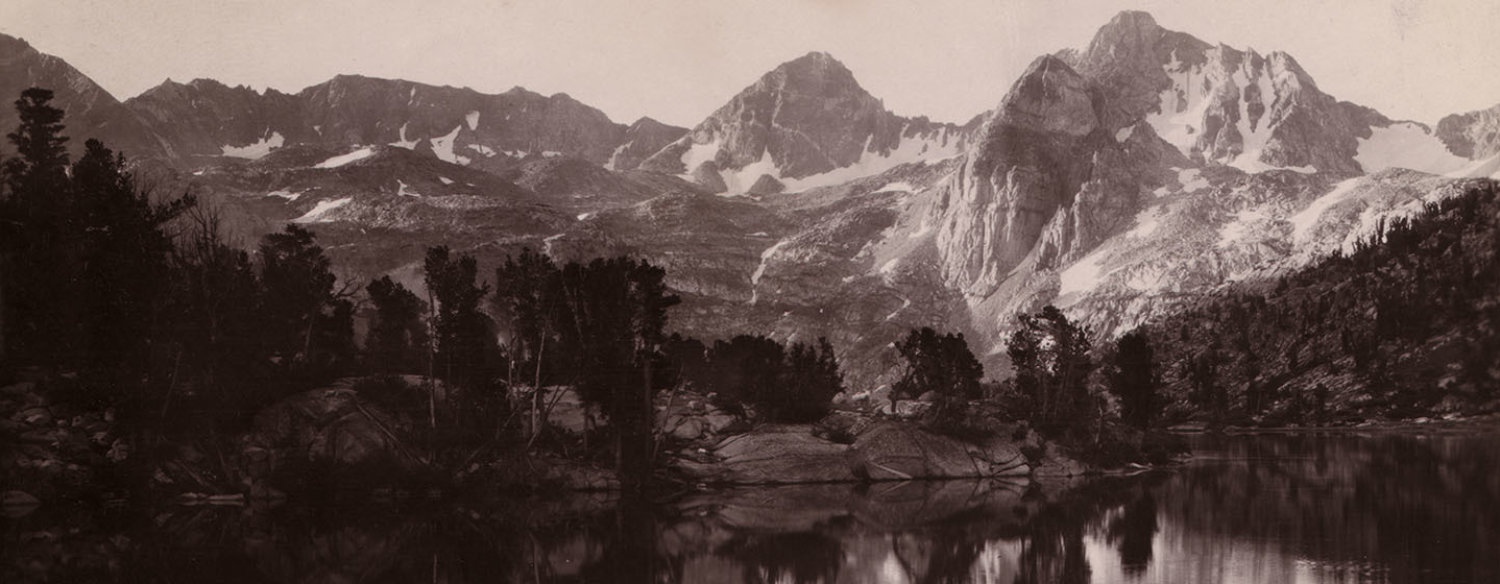
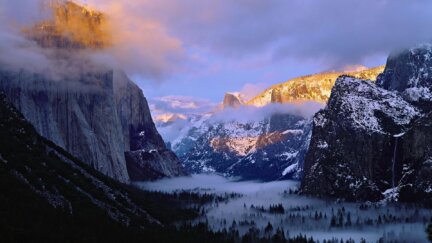
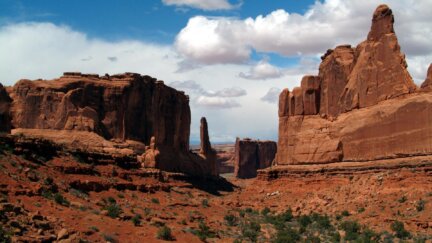
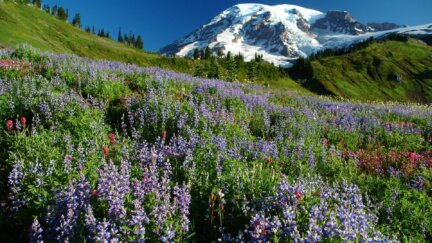
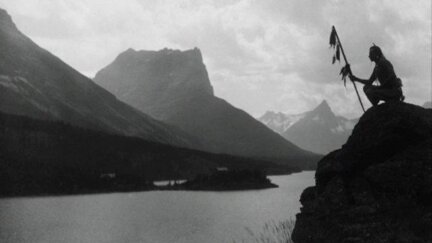
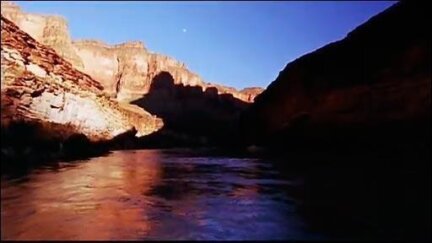
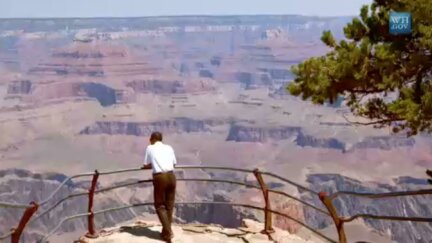
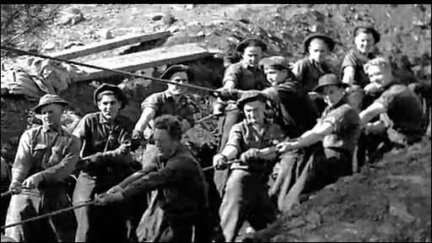
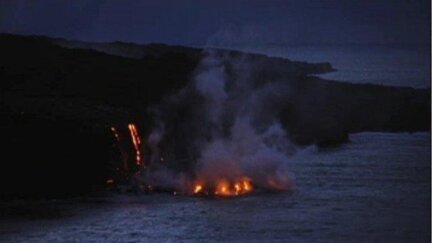
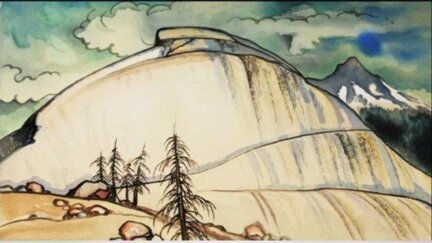
The National Parks: America's Best Idea is a six-episode series produced by Ken Burns and Dayton Duncan and written by Dayton Duncan. Filmed over the course of more than six years at some of nature's most spectacular locales – from Acadia to Yosemite, Yellowstone to the Grand Canyon, the Everglades of Florida to the Gates of the Arctic in Alaska.
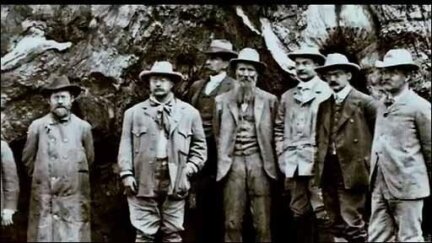
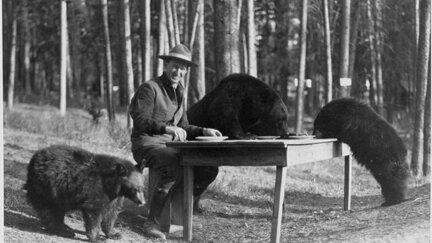
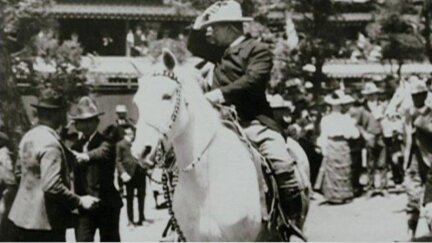
The National Parks: America's Best Idea is nonetheless a story of people: people from every conceivable background – rich and poor; famous and unknown; soldiers and scientists; natives and newcomers; idealists, artists and entrepreneurs; people who were willing to devote themselves to saving some precious portion of the land they loved, and in doing so reminded their fellow citizens of the full meaning of democracy.
Premiered on PBS: September 27, 2009

Related Films