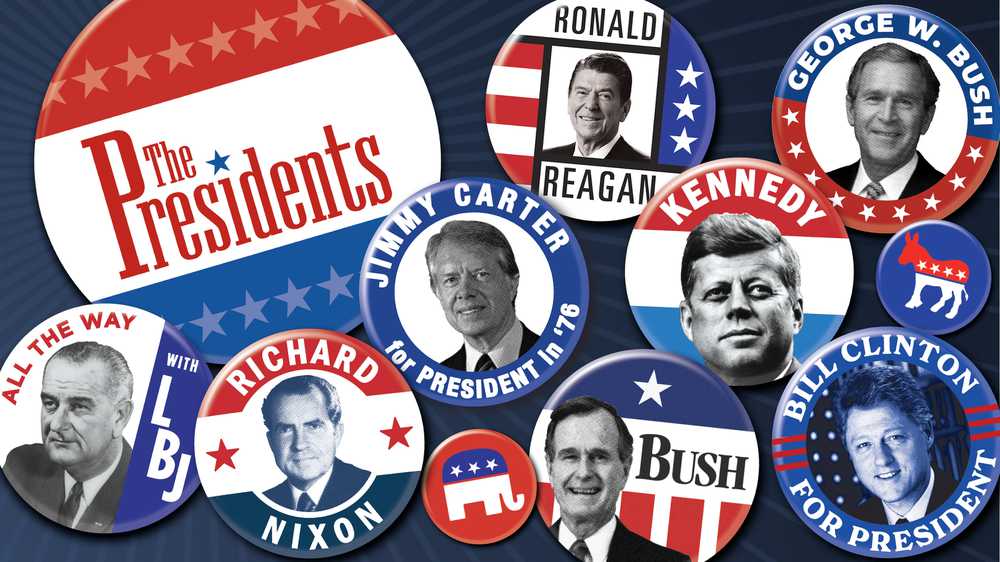
In this award-winning collection, explore documentaries, biographies, interviews, articles, image galleries and more for an in-depth look at the history of the American presidency.
Hard Hat Riot revisits New York in 1970, when student protestors against the Vietnam War violently clashed with construction workers, ushering in a new political and cultural divide that would redefine the American political landscape.
Most histories focus on the instant camera’s inventor, Edwin Land. But supporting him behind the scenes was a phalanx of gifted researchers, some of whom may surprise you.
"American Experience Presents" brings a fresh take on the iconic stories told on TV's most-watched history series. Launching with three powerful narratives in podcast form: Joseph McCarthy, whose anti-communist crusade terrorized 1950s America; media titan William Randolph Hearst, the newspaper mogul whose empire shaped public opinion for decades; and Sgt. Isaac Woodard, the decorated World War II veteran whose brutal assault by police sparked a civil rights awakening. This new GBH podcast examines how these three transformative figures shaped pivotal moments in 20th century America, bringing their stories to life for a new generation of listeners.
Kissinger is the story of the brilliant powerbroker who rose to the topmost echelons of American diplomacy. Revered or reviled, Henry Kissinger’s contradictions reflect those at the heart of U.S. foreign policy in the second half of the 20th century.
The dramatic story of the passage of the Americans with Disabilities Act (ADA) in 1990. The film highlights the determined people who literally put their bodies on the line to pass the legislation that changed the lives of all Americans.
Before the iPhone, the Polaroid camera let people instantly chronicle their lives. Along with instant photo mania, its company culture became the model for Silicon Valley. Mr. Polaroid is the story of Edwin Land, the man behind the camera.
The story of civil rights hero Walter White — one of the most influential Black men in mid-century America and leader of the NAACP from 1929 to 1955, yet one of the least known figures in civil rights history.