
Make Your Own Futuristic Robot Mask


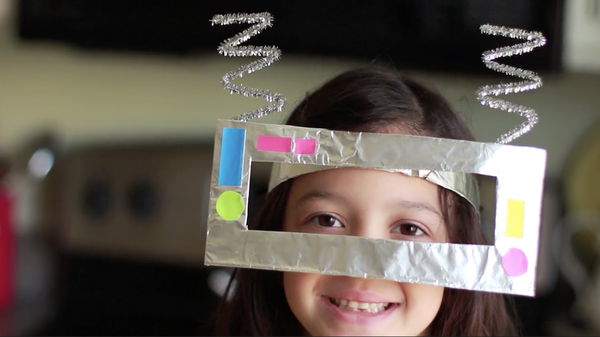
What will the future look like as robotics become more and more a part of our daily lives? Start a conversation about robotics and the future by making this fun robot mask and engage in some imaginary play!
Materials
Directions
Cut out a rectangle about 8'' wide and 4'' tall. This will be the face of your child's robot mask.
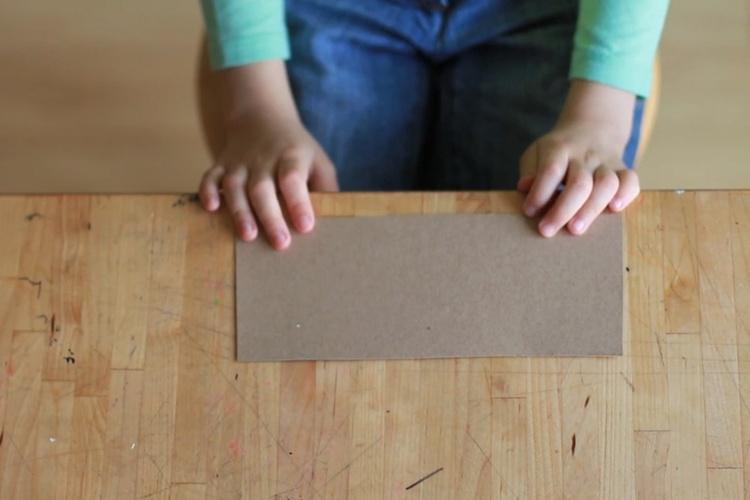
Leaving about a 1'' border, cut out the center of the robot mask to form a frame.
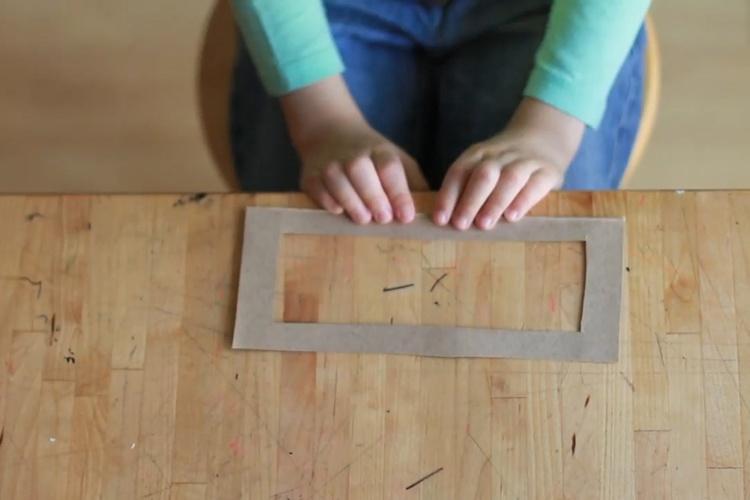
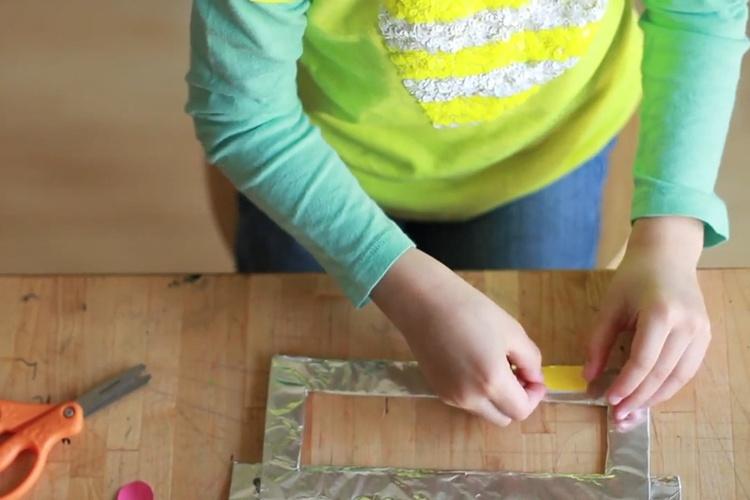
Once you have completed step 2, cover the frame in aluminum foil.
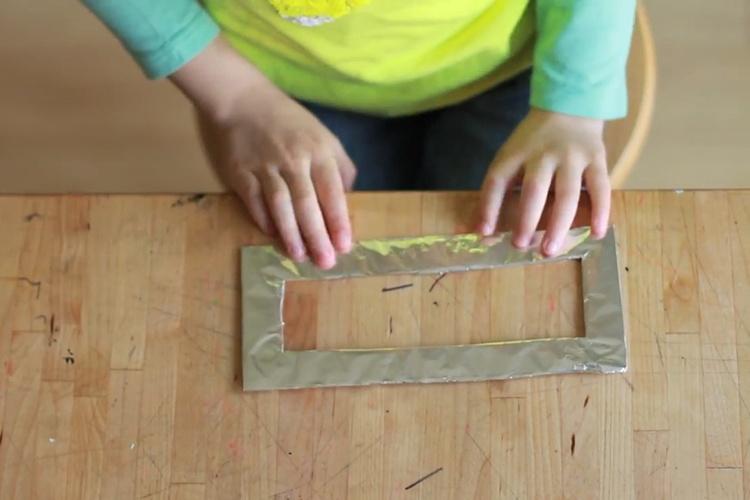
Cut out a strip of cardboard about 11'' long and 2'' tall. This will be the strap that will attach the frame (which is the mask) to your child's head.
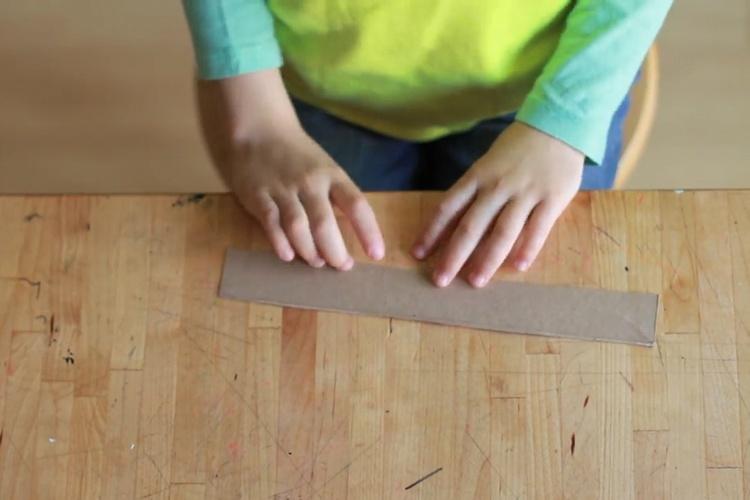
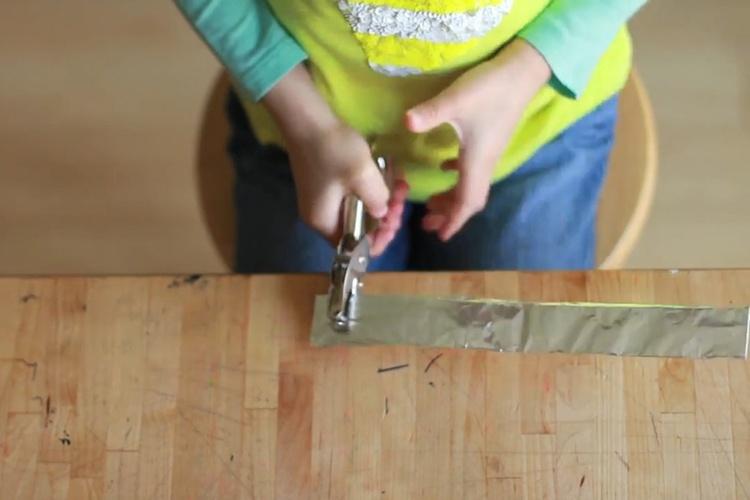
Cover this strip of cardboard in aluminum foil and punch holes.
Twist and bend two pipe cleaners into a zig-zag shape.
Glue each zig-zag onto the back of the frame of the mask at the top. These will be your robot antenna.
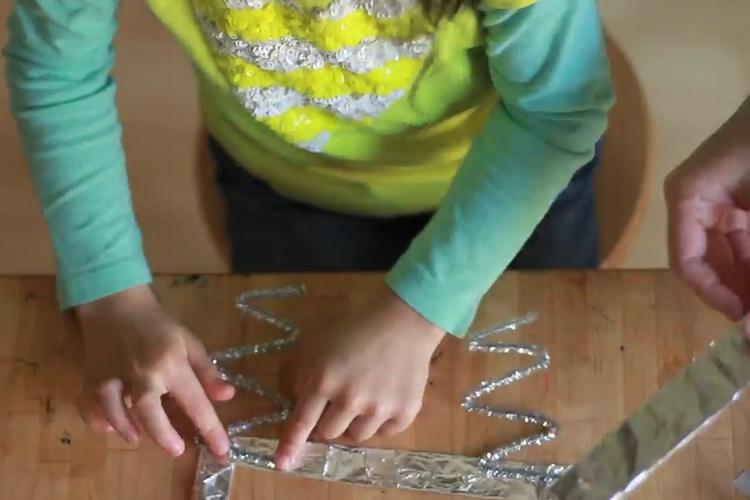
Keeping the mask flipped over on its back, glue the strip covered in foil to the center of the frame on the back. This strip will bend around your child's forehead.
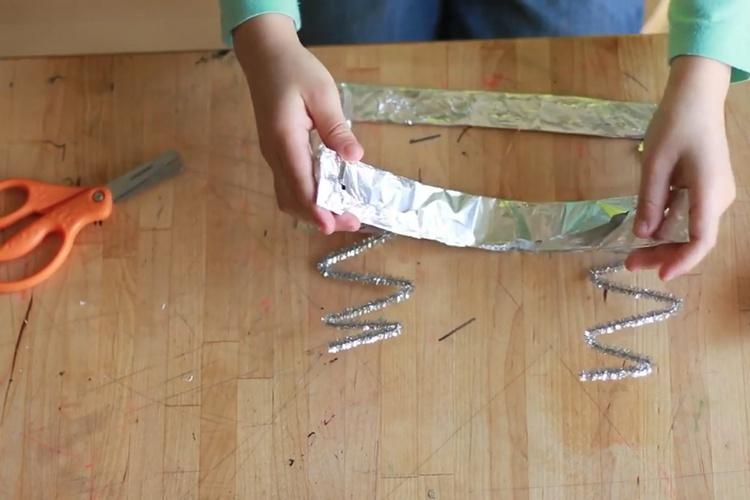
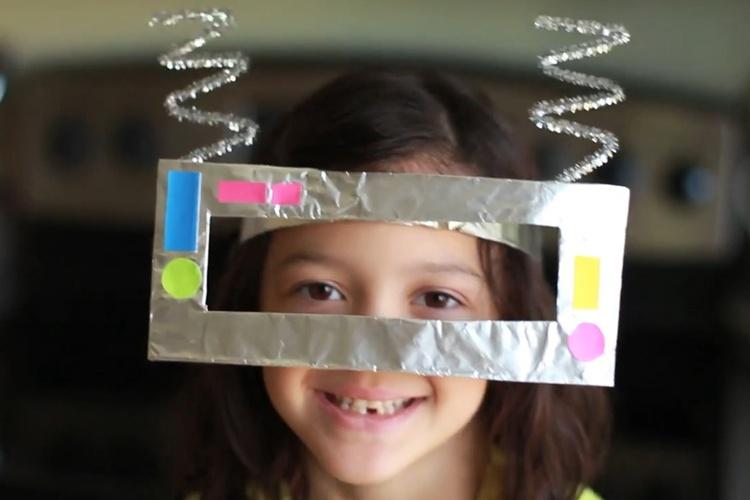
Flip the mask back over to the front and let your child begin decorating! Use colorful post-it notes cut into geometric shapes as buttons for the mask. Glue them on.
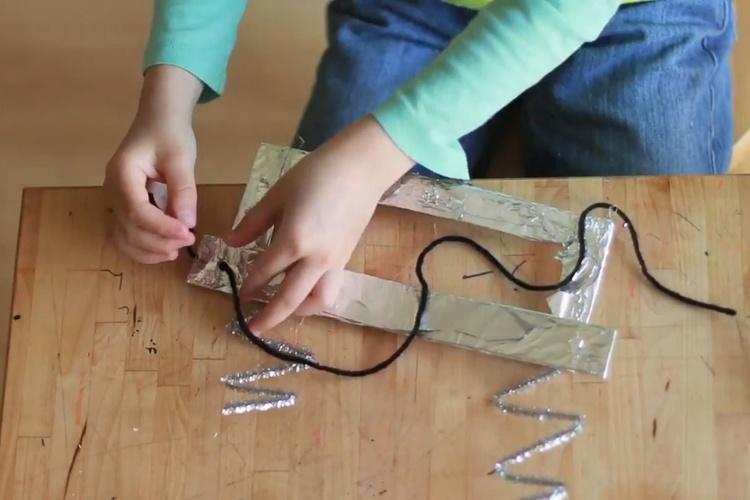
Cut two long pieces of yarn and tie each piece through the holes in the band on the mask. Tie one strand through each hole. Once finished, tie the two pieces together on the back of your child's head to hold the mask on.
Your child is now a robot! Welcome to the future!
Caroline Gravino Urdaneta, a PBS Parents resident crafter, is a designer of creative family projects, tinkering painter and mother of four children. She writes about project ideas for the whole family and how to encourage creativity in kids on the popular blog, Salsa Pie.
 Arts
Arts