

Now Streaming
Art21 produces features focusing exclusively on contemporary visual art and artists throughout the world, including the Peabody Award-winning biennial series "Art in the Twenty-First Century." Intimate footage allows the viewer to observe the artists at work and watch their process as they transform inspiration into art.
Providing Support for PBS.org
Learn Moreabout PBS online sponsorship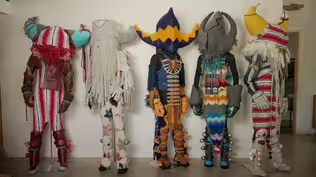
What to Watch Ahead of Season 12
Catch up on Art21’s 25 years of sharing artists’ stories with a curated selection of episodes.
View CollectionProviding Support for PBS.org
Learn Moreabout PBS online sponsorshipProviding Support for PBS.org
Learn Moreabout PBS online sponsorshipHow to Watch Art21
Art21 is available to stream on pbs.org and the free PBS App, available on iPhone, Apple TV, Android TV, Android smartphones, Amazon Fire TV, Amazon Fire Tablet, Roku, Samsung Smart TV, LG TV, and Vizio.
Buy Now
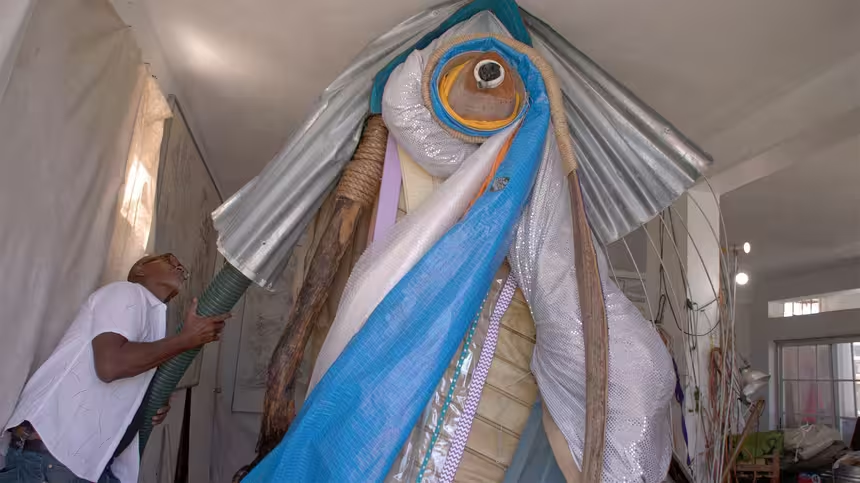
Everyday Icons
Learn more about the artists featured in "Everyday Icons," see discussion questions, a glossary, and more.
- Arts and Music
The Best of the Joy of Painting with Bob Ross
A pop icon, Bob Ross offers soothing words of wisdom as he paints captivating landscapes.




 New Episode
 New Episode




Support for PBS provided by: